
Call of Duty 4 Setup Guide
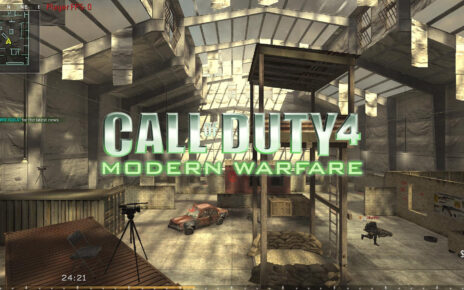
This guide explains how to quickly install and launch Call of Duty 4: Modern Warfare using the provided archive. The package includes everything needed to start the game and join multiplayer servers in just a few simple steps.
Whether you are reinstalling the game or setting it up for the first time, the process is straightforward and takes only a few minutes.
What’s Included
The download package contains:
-
The full game files
-
The required CoD4x setup installer
-
A simple Product Key generator
Once installed, you will be able to launch the game and access multiplayer normally.
Installation Instructions
Follow these steps to install and start playing:
-
Extract the ZIP file to any folder you prefer on your computer.
-
Open the extracted folder and navigate to the Call Of Duty 4 directory.
-
Run the installer by launching the file:
CoD4x.21.3.Setup.exe -
Generate a Product Key with our tool here: https://www.yob.at/cod4-keygen/ or opening the file:
CoD4Keygen.html -
Start the game and enter Multiplayer (MP) mode.
-
Paste the generated Product Key when the game asks for it.
You’re Ready to Play
After entering the Product Key, the installation is complete and the game is ready to use. You can now connect to multiplayer servers and start playing.
Download Now: Downloads – YOB Clan